Everyday Home Solutions
Where to Find Your Local Utility's Outage Map and Restoration Updates
Learn how to identify the electric utility serving your home, find its official outage map, report an outage, and get verified restoration updates during a power disruption.
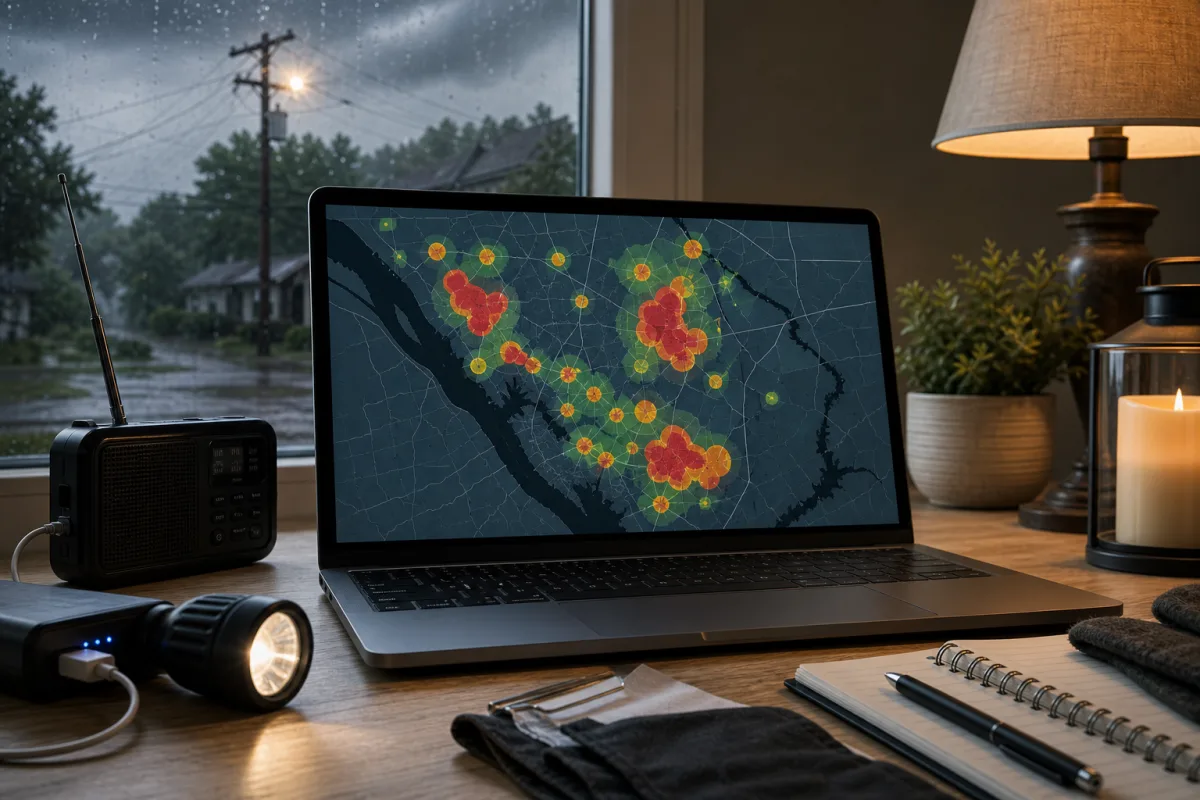
When the power goes out, the most dependable source of information is the electric utility that serves your address. Its official outage map, app, alert program, and outage phone line can help you confirm whether an outage has been reported and follow restoration updates.
Start by Identifying the Utility That Serves Your Address
Your city or county may share emergency information, but the electric utility is usually the organization that provides outage reporting and restoration details. Before searching for a local utility outage map, confirm which company supplies electricity to your home.
The easiest place to look is a recent electric bill. It commonly includes:
- The utility’s name and website
- An outage-reporting phone number
- Your account number or service address
- Instructions for mobile apps and alerts
If you rent and do not receive the electric bill, ask your landlord or property manager which utility serves the property. You can then search for the utility’s name with “outage map” or visit its website directly.
Some areas are served by municipal utilities, electric cooperatives, or different providers on neighboring streets. Confirming the provider first helps you avoid relying on the wrong map.
Find the Official Outage Map
Go to the utility’s official website and look for a link such as Outages, Outage Center, Storm Center, or Outage Map. During severe weather or a large outage, utilities often feature these links prominently on their home pages.
Many utilities also provide outage information through a mobile app. Download an app only from Apple’s App Store or Google Play, and compare the publisher name and app link with the information on the utility’s official website.
Verify That You Are on an Official Page
Outages can lead to misinformation, misleading ads, and unofficial social posts. Before entering account or contact details, verify that you are using the utility’s actual channel:
- Check that the web address matches the utility’s name and normal domain.
- Start with the website printed on your bill when possible.
- Be cautious with sponsored search results and unfamiliar links.
- Use social media only when the account is clearly identified as the utility’s official account.
- Do not share account information through unverified messages, posts, or links.
Depending on the provider, you may be able to view a general map without signing in. Account-specific status information, alerts, and outage-reporting tools may require an address or account login.
Map refresh schedules vary by utility. A display that has not changed recently does not necessarily mean the utility has stopped responding; check the outage page, alert messages, or outage phone line for the latest available information.
Understand What an Outage Map Can Tell You
An outage map is a status tool. Features vary by utility, but a map may show affected areas, an approximate number of customers without service, outage status, a reported cause, and an estimated restoration time.
| Map detail | What it can help you understand |
|---|---|
| Affected area | Whether there appears to be a broader outage nearby |
| Customers affected | The approximate scale of the reported outage |
| Outage status | Whether the utility is aware of the issue or crews are assigned |
| Reported cause | A preliminary reason, when one is available |
| Estimated restoration time | The utility’s current projection for restoring service |
Maps may group customers by equipment or service area instead of showing individual homes. This can protect customer privacy, but it also means your address may not appear separately.
An estimated restoration time is not a guarantee. It can change after crews assess damage, need access to equipment, encounter hazardous conditions, or find additional repairs are needed. Use the map to follow the latest status, but do not assume it confirms that your specific home has been reported.
Report the Outage Through the Utility’s Official Channels
Even if neighbors have no power, report your outage through the utility’s verified reporting channel. Individual reports can help the utility understand the scope and location of an interruption.
Utilities may accept reports through:
- An outage-reporting website
- A mobile app
- An automated outage phone line
- A customer service number
- A text-based reporting option, if you enrolled in advance
Provide only the information the utility requests, such as your address, account information, or a callback number. Save the utility’s outage number and website before storms or other emergencies occur so they are easier to find when internet access is limited.
Check Restoration Updates Beyond the Map
The outage map is often helpful, but it may not include every update. Check the utility’s official outage page for storm notices, restoration priorities, safety guidance, and information affecting larger service areas.
You may also be able to receive updates through the utility’s:
- Text or email alert program
- Mobile app notifications
- Official social media accounts
- Recorded outage phone line
Local emergency management offices, cities, and counties can be useful during an extended outage. They may share road closures, public safety notices, cooling or warming center locations, and other local support information.
For restoration timing, rely on the utility’s most current information. Avoid reposting screenshots or repeating secondhand estimates without checking for a newer update, since conditions can change quickly after severe weather or widespread damage.
Know When the Problem May Be Limited to Your Home
If the outage map does not show an interruption near you, the issue may be limited to your home or service connection. From a safe location on your property, see whether nearby homes or streetlights appear to have power. Do not enter roads, other yards, unsafe areas, or locations near damaged equipment to investigate.
A single-home problem can involve a tripped breaker, damage to service equipment, or a service-status issue. If you suspect a service-status or account issue, contact the utility directly rather than trying to diagnose it from the map.
Who to Contact
Contact the utility when you notice a problem involving the meter, service line, transformer, or other utility-owned equipment. Contact a qualified electrician for issues on the home side of the electrical system, such as a breaker panel or wiring problem.
Do not open, remove, or attempt to repair a meter, meter base, or service line yourself. Never touch a downed power line, damaged electrical equipment, or anything in contact with a line. Stay away, keep others clear of the area, and call emergency services if there is an immediate danger to people or property. Report the hazard to the utility as well.
Use Safe Alternatives if the Map or Internet Is Unavailable
Widespread outages can make websites slow or inaccessible, and a power loss may affect home internet equipment. If you cannot reach the local utility outage map, call the utility’s outage line for recorded information or to report the outage.
Keep basic outage resources available without an internet connection:
- A printed list with the utility’s outage number, website, and account details
- A battery-powered radio for local official emergency information
- Charged backup batteries for phones, when available
During a long disruption, local government communications may identify available warming centers, cooling centers, charging locations, or other community resources. For immediate hazards, including a downed power line creating a threat, call emergency services rather than waiting for an online update.
Prepare Before the Next Outage
The fastest route to accurate restoration information is your serving utility’s website, app, alert program, or outage line. Identify your provider now, save its contact details, and consider enrolling in available notifications. When an outage occurs, these resources can help you report the problem, follow changing conditions, and make safer decisions while service is restored.